 Posted by
 - For Loop
- Single Statement For Suites
- Nested loops
- Control Statements
- Break
- Else & Loop
- Continue
- Pass
1.For Loop
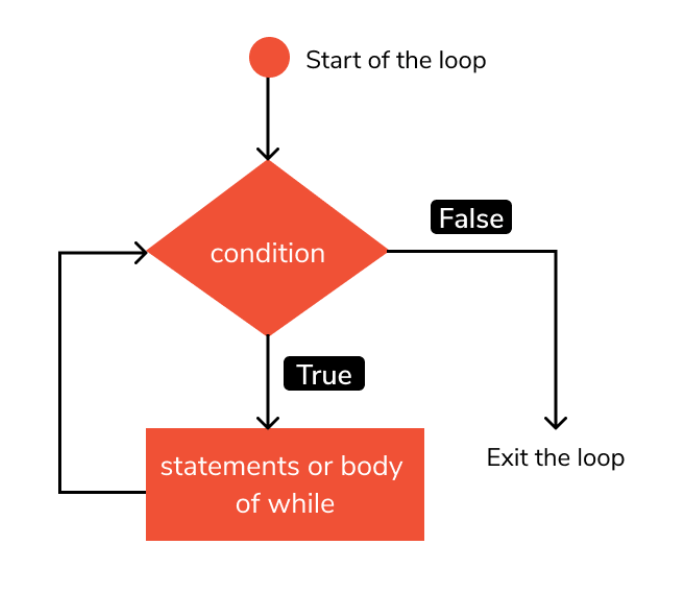
A for loop is used for iterating over a sequence (that is either a list, a tuple, a dictionary, a set, or a string).This is less like the for keyword in other programming languages, and works more like an iterator method as found in other object-orientated programming languages. With the for loop we can execute a set of statements, once for each item in a list, tuple, set etc.
2.Nested Loops
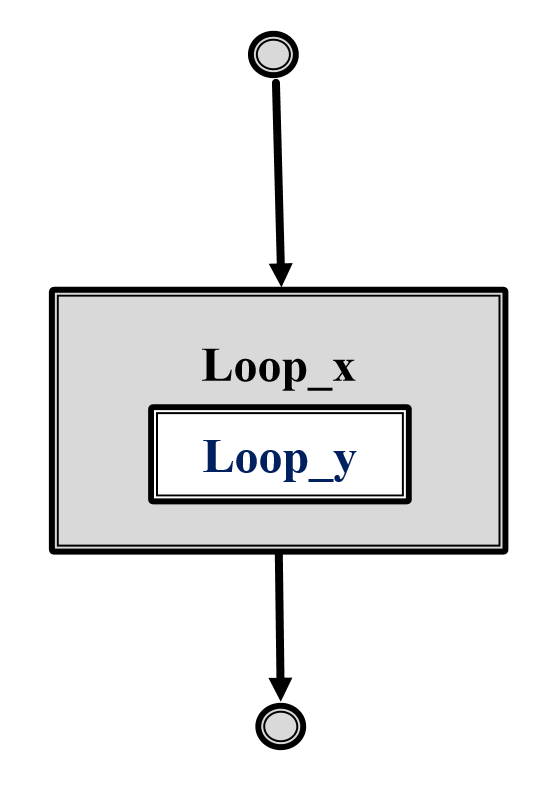
Python programming language allows to use one loop inside another loop.
- One loop inside another loop
- 2D Execution
- 3D Execution
- ND Execution
3.Control statements
- Changes the execution from one state to another
- break : Terminates loop
- continue : Skips and resume loop
- pass : NOP
4.Break
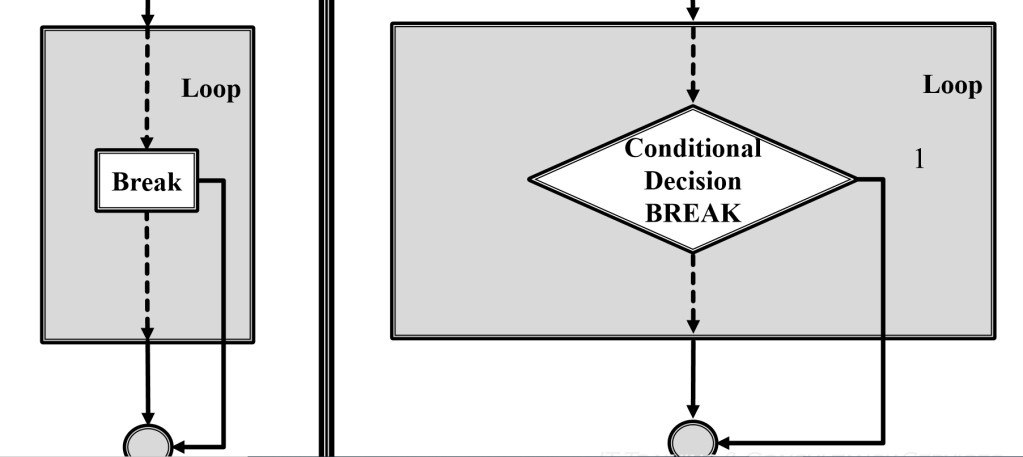
It terminates the current loop and resumes execution at the next statement, just like the traditional break statement in C.
The most common use for break is when some external condition is triggered requiring a hasty exit from a loop. The break statement can be used in both while and for loops.
If you are using nested loops, the break statement stops the execution of the innermost loop and start executing the next line of code after the block.
5.Else & Loop
- else statement with loop
- No conditional check in else
- else exec’s when condition fails in loops
The else keyword in a for loop specifies a block of code to be executed when the loop is finished.
6.Continue
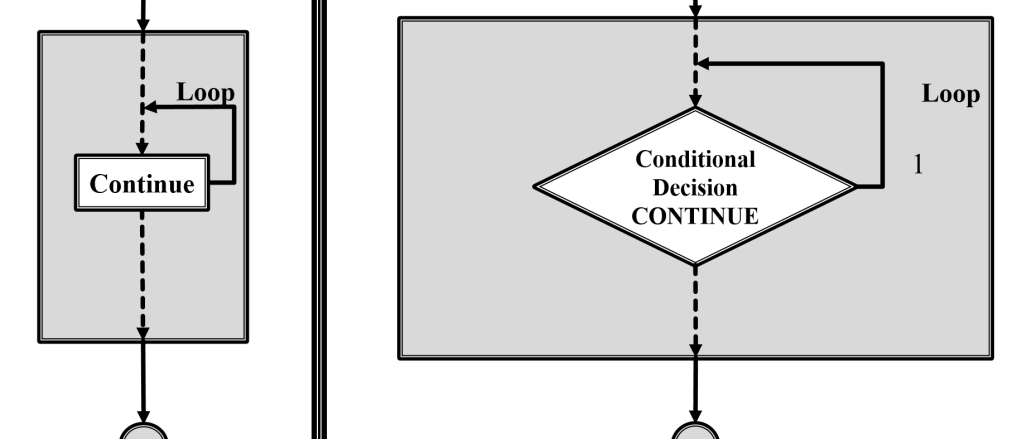
The continue statement in Python returns the control to the beginning of the while loop. The continue statement rejects all the remaining statements in the current iteration of the loop and moves the control back to the top of the loop.
The continue statement can be used in both while and for loops
7.Pass
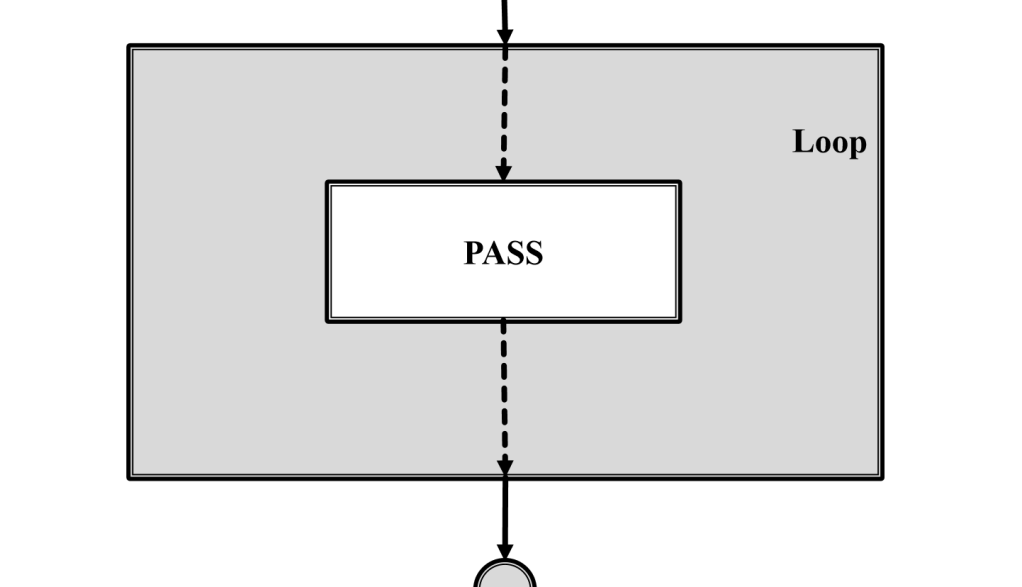
pass is a null operation — when it is executed, nothing happens. It is useful as a placeholder when a statement is required syntactically, but no code needs to be executed, for example:
 DayDreamsDatabases